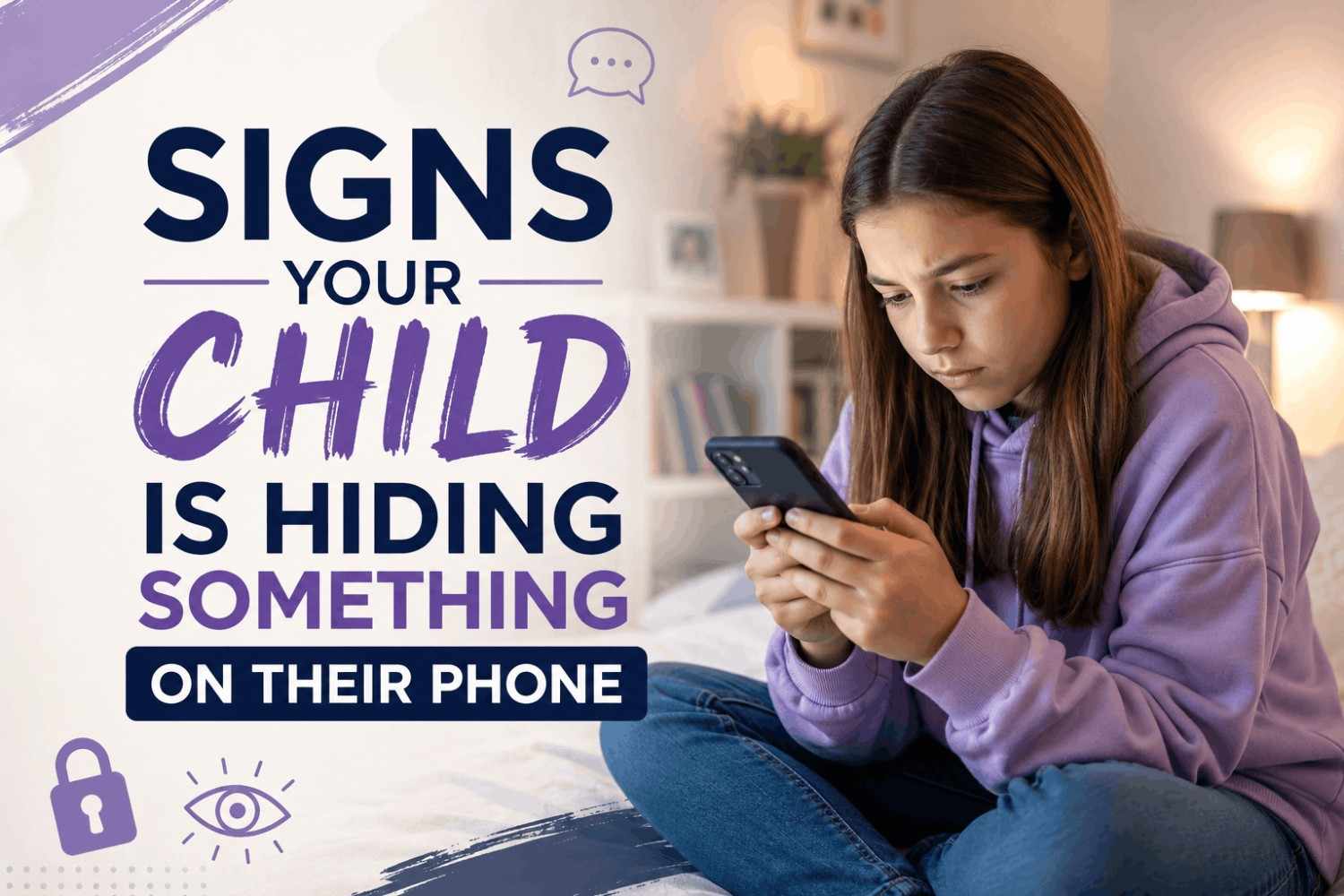
Is your child suddenly turning their screen away when you walk into the room? Do they get nervous, defensive, or angry when you ask to see their phone? These behaviors could mean more than just teenage privacy needs — they may be signs your child is hiding something on their phone.
Every parent wants to trust their child. But in today’s digital world, where children are exposed to cyberbullying, online predators, and inappropriate content at the tap of a screen, staying informed is not optional — it is your responsibility.
This guide covers the most common warning signs to watch for, why children hide things digitally, and how a parental control app can help you protect your family without breaking trust.
9 Clear Signs Your Child Is Hiding Something on Their Phone
1. They Turn the Screen Away When You Walk By
This is one of the most obvious red flags. If your child immediately flips or tilts their phone screen away every time you come close, they are actively hiding what is on it. Occasional privacy is normal — but a consistent pattern of screen-hiding is not.
2. They Use Their Phone Heavily at Night
Children who are hiding conversations or activities often wait until their parents are asleep. If your child stays up late texting, scrolling, or watching content under the covers, something is likely going on that they don’t want you to see.
3. They Delete Messages, Apps, or Browsing History Regularly
A child who routinely clears their chat history, uninstalls and reinstalls apps, or keeps their browser history clean is doing so intentionally. Healthy digital habits don’t involve wiping data every day. This kind of behavior is a classic sign that they don’t want an adult to find something.
4. They Become Angry or Anxious When Asked to Hand Over the Phone
Pay close attention to the emotional reaction — not just the words. If your child becomes unusually defensive, aggressive, or panicked when you ask to check their phone, that emotional spike often points to something they are afraid you will discover.
5. They Have a Second or Secret Account
Many teens maintain a “finsta” (fake Instagram), a secondary Snapchat, or hidden social profiles that parents don’t know about. If you notice unfamiliar usernames or apps you didn’t know they had, it is worth a calm, direct conversation.
6. They Receive Messages at Odd Hours
Late-night notifications from unknown contacts, especially from apps like Telegram, Discord, or WhatsApp, can signal contact with people your child doesn’t want you to know about. Online predators and bullies often use these channels because they feel less monitored.
7. They Use Apps You Don’t Recognize
Many children use apps specifically designed to hide messages or photos — such as “calculator” apps that actually store private content, or messaging apps with disappearing messages. If you see apps you can’t identify, look them up immediately.
8. Their Mood Changes After Phone Use
If your child frequently comes off their phone upset, angry, withdrawn, or anxious, what they are experiencing online is affecting them emotionally. Cyberbullying, toxic friendships, and exposure to harmful content all produce this pattern.
9. They Are Secretive About Who They Are Talking To
Children with nothing to hide generally don’t mind mentioning a friend’s name or explaining who texted them. When a child becomes vague, evasive, or snappy about the people they communicate with, it is worth paying attention.
Why Do Children Hide Things on Their Phones?
Understanding the reason matters before you react. Children hide phone activity for various reasons — some serious, some not. Common causes include:
- Fear of getting in trouble for something they did
- Peer pressure to keep group conversations private
- Contact with someone they know you would disapprove of
- Exposure to inappropriate content they stumbled upon accidentally
- Being a victim of cyberbullying they are too ashamed to report
- A relationship — romantic or otherwise — they are keeping secret
The key is to stay calm and informed before confronting your child directly.
What Should a Parent Do?
Step 1 — Have an Honest Conversation First
Before checking the phone, sit with your child and gently share what you have noticed. Use non-accusatory language: “I’ve noticed you seem anxious about your phone lately — is everything okay?” This opens dialogue without creating defensiveness.
Step 2 — Set Clear Digital Boundaries as a Family
Establish phone-free hours, agreed rules about apps, and an understanding that the phone belongs to the family, not just the child. Rules feel less invasive when the child helps create them.
Step 3 — Use a Parental Control App for Reliable Insight
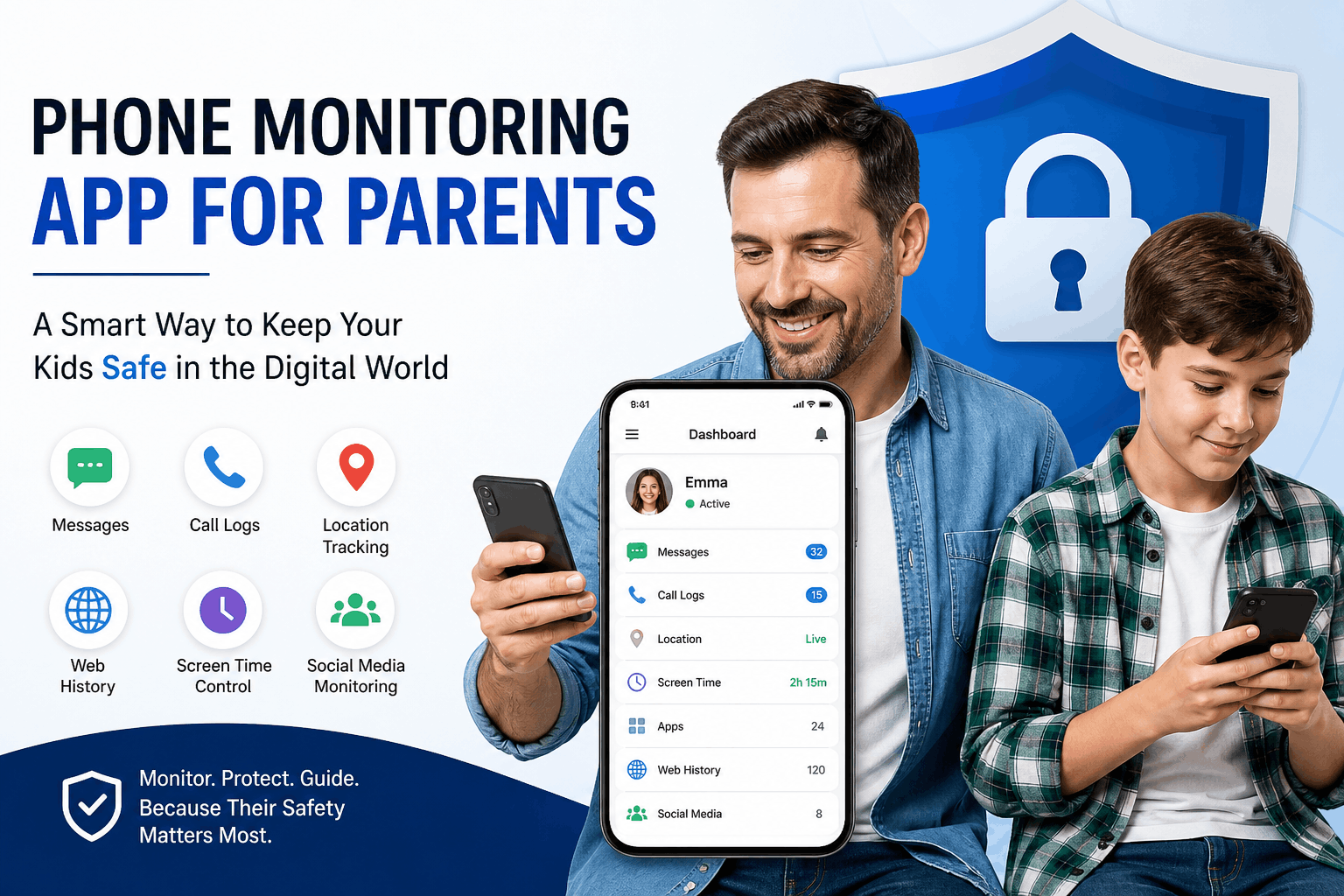
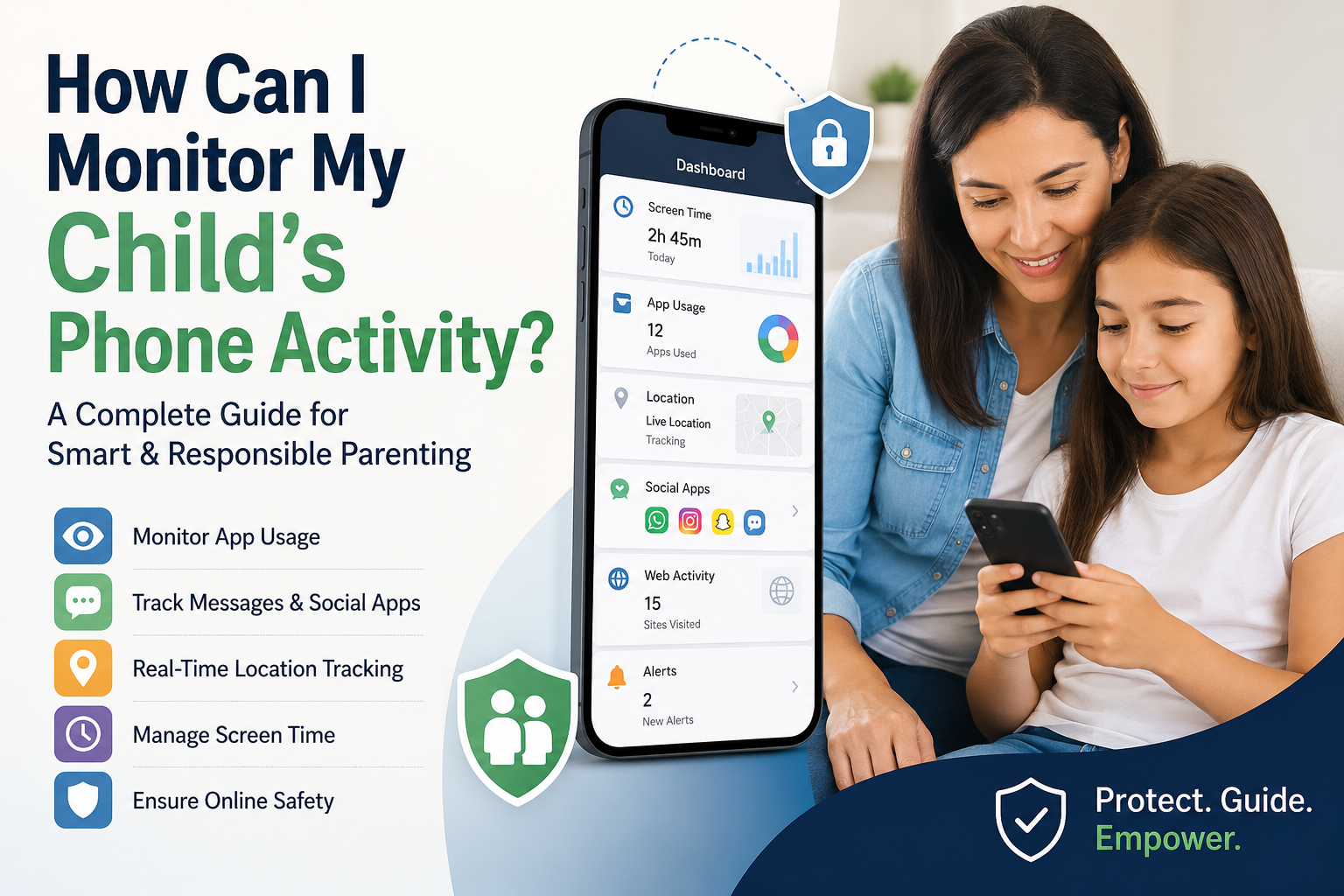
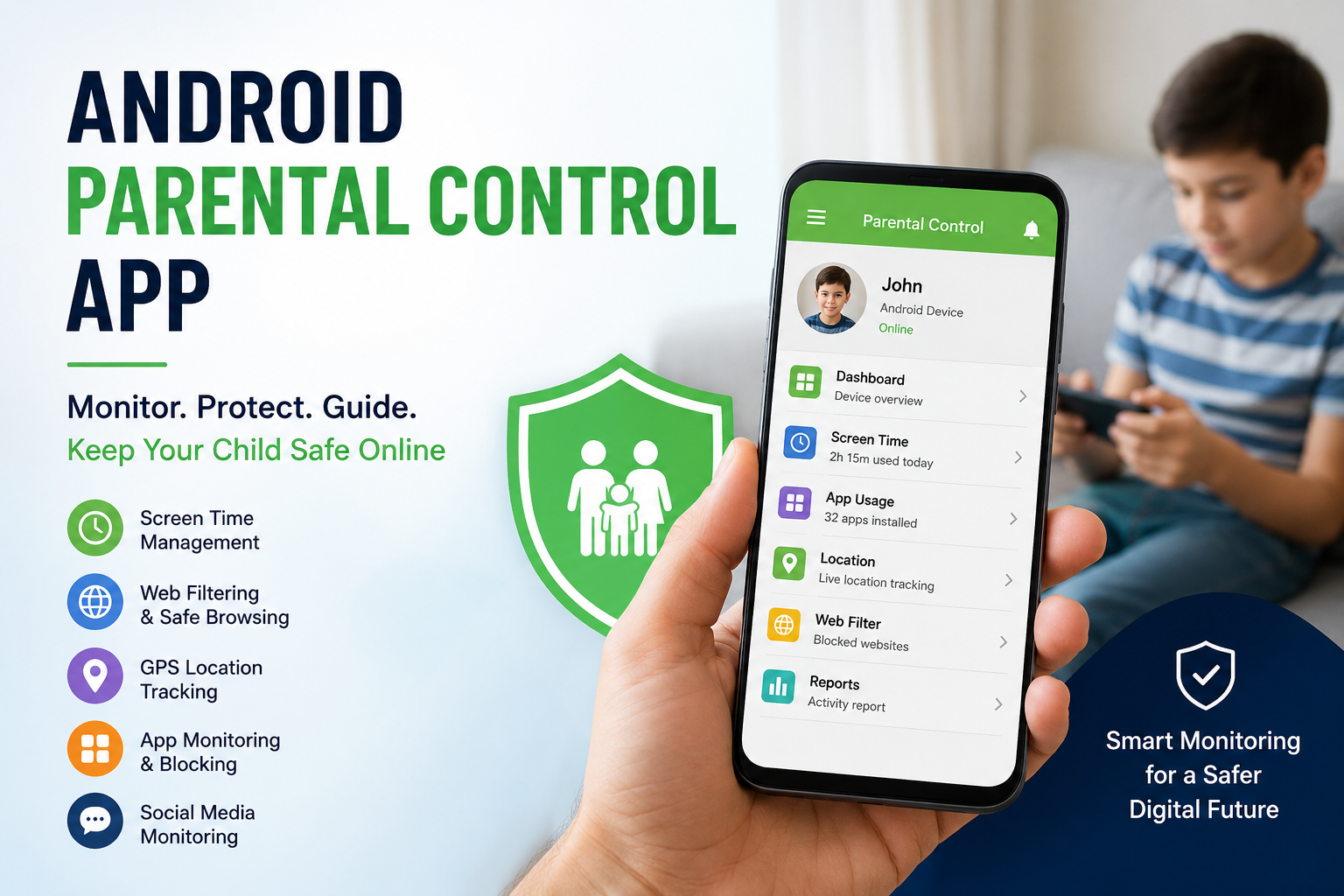
Sometimes a conversation is not enough — especially if your child has been hiding serious activity. A parental control app gives you verified, real-time information instead of guesswork. With SpymasterPro, you can:
- Monitor incoming and outgoing text messages
- Check call logs and contact lists
- Track real-time GPS location
- View social media activity (WhatsApp, Instagram, Snapchat)
- See installed apps and browsing history
- Receive alerts about suspicious contacts or keywords
The goal is not to spy — it is to protect. SpymasterPro is built for responsible parenting: you get the awareness you need to keep your child safe while giving them the guidance to make better digital choices.
How SpymasterPro Helps Parents Stay Informed
SpymasterPro works silently in the background on both Android and iPhone — no jailbreak required for iOS. Setup takes less than five minutes, and all data is visible through a simple parent dashboard you can access from any device.
Whether your child is 10 or 17, having a parental control app running is like having a digital safety net. You may never need to check it — but when you do, you will be glad it was there.
Start Monitoring with SpymasterPro — Try Free
Frequently Asked Questions
Q: Is it normal for children to want privacy on their phone?
Yes — some privacy is healthy and age-appropriate. The concern is when privacy becomes secrecy, and secrecy is accompanied by behavioral changes like anxiety, aggression, or mood swings.
Q: At what age should I start monitoring my child’s phone?
The moment you give your child a smartphone, basic monitoring should begin — regardless of age. Younger children need closer supervision; teens need clear boundaries with some autonomy. A parental control app lets you adjust the level of monitoring as they mature.
Q: Can a parental control app see deleted messages?
SpymasterPro logs messages in real time, which means data is captured before a child can delete it. This gives parents accurate, up-to-date information even if the child clears their chat history.
Q: Will my child know I installed a parental control app?
SpymasterPro operates in hidden mode on Android. For iOS devices, monitoring works through iCloud credentials without needing to install anything on the device. Your child will not receive notifications about monitoring activity.
Q: Is monitoring my child’s phone legal?
Yes. Parents have a legal right to monitor a minor child’s device — especially a device they own and pay for. SpymasterPro recommends transparent, responsible use of its tools to support open family communication.
Final Thought
Noticing the signs your child is hiding something on their phone is not a failure of trust — it is your parental instinct working exactly as it should. Acting on those signs with the right tools and the right conversation is what keeps your child safe.
A reliable parental control app is not about surveillance. It is about staying close in a world that is trying to pull your child away from you.
Protect your family today — Try SpymasterPro