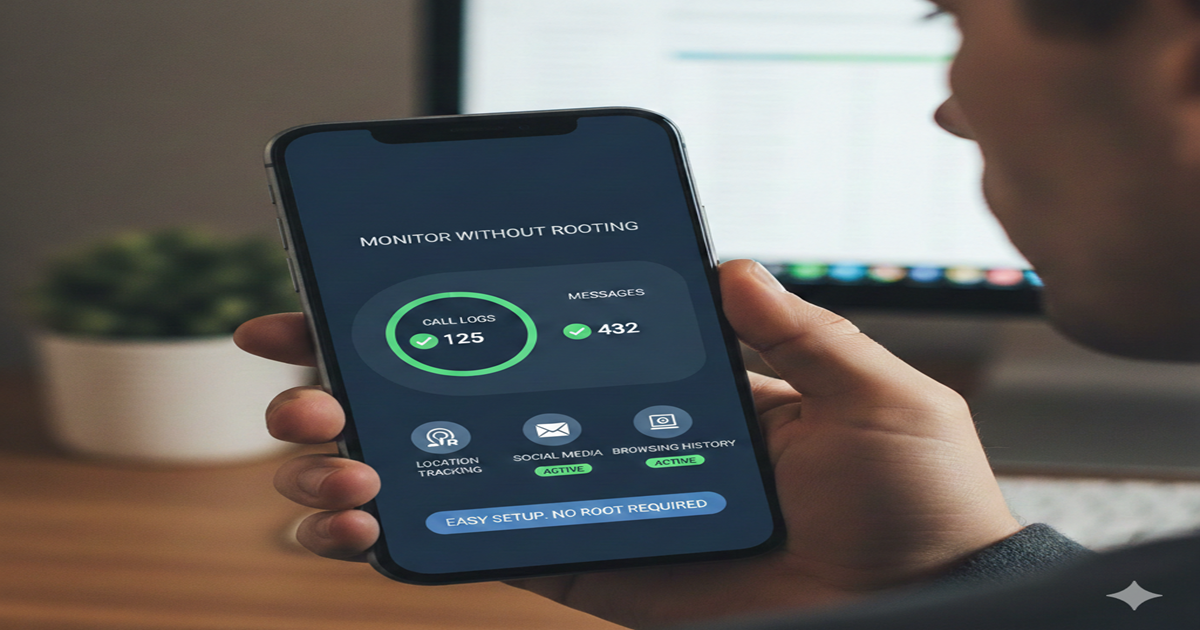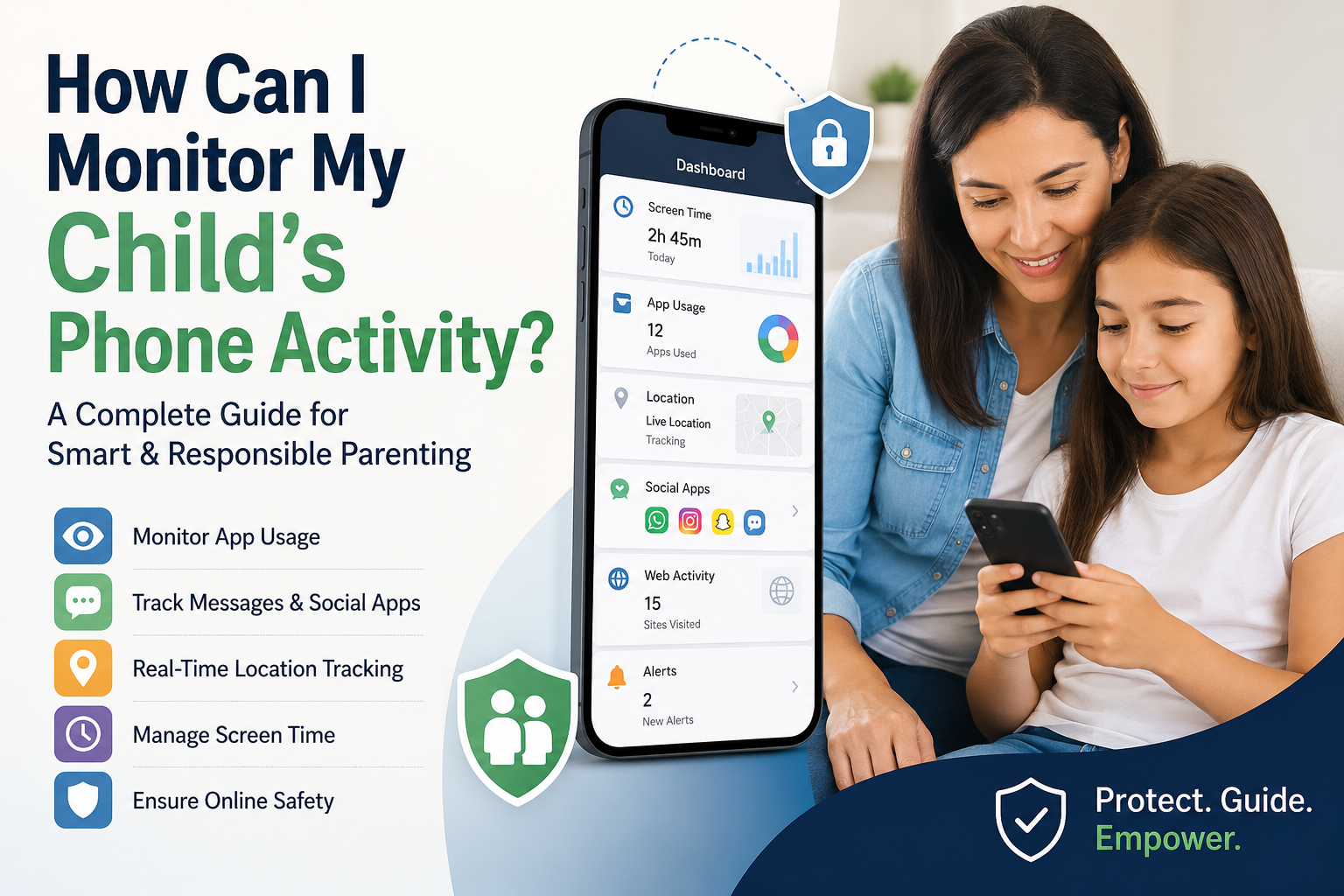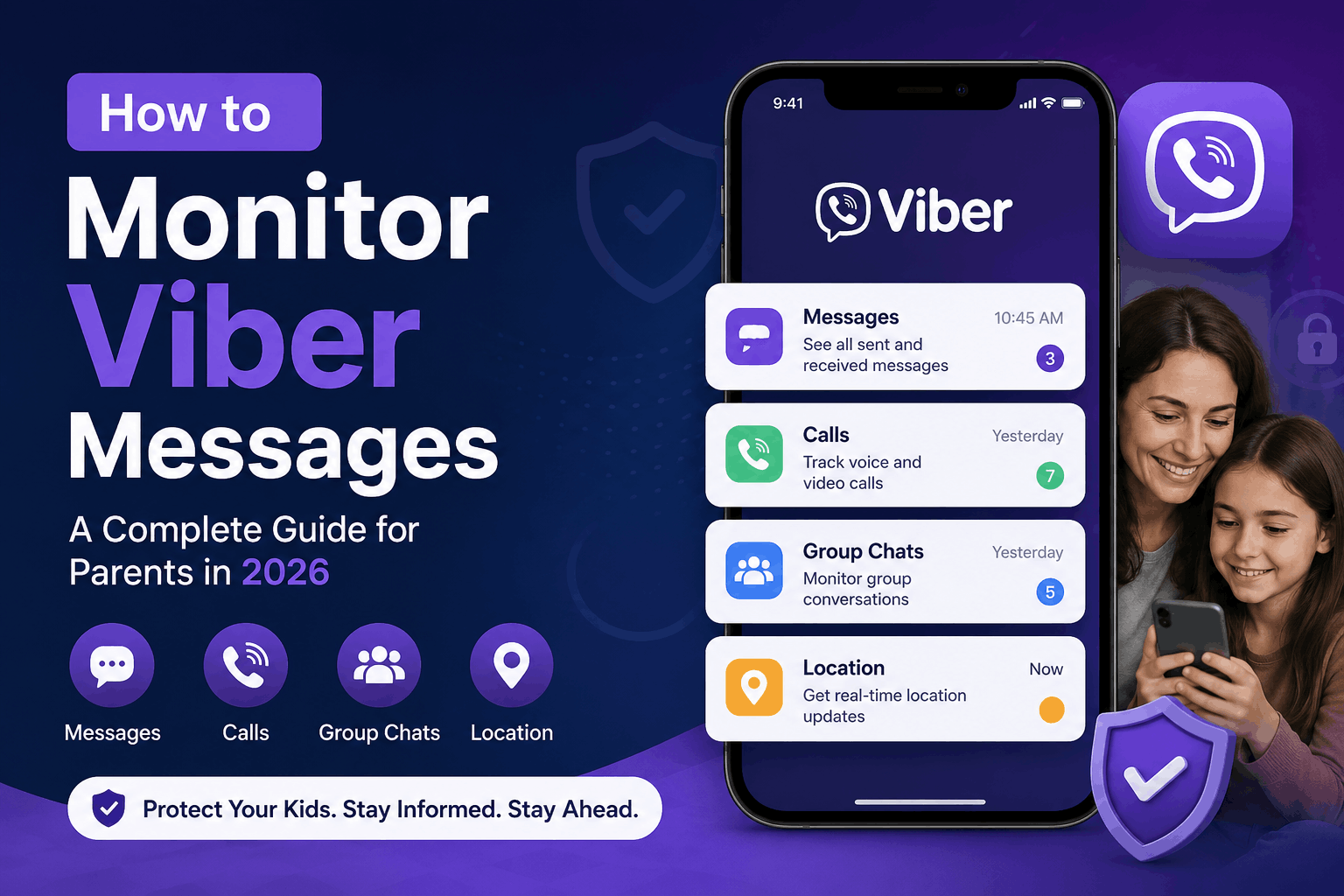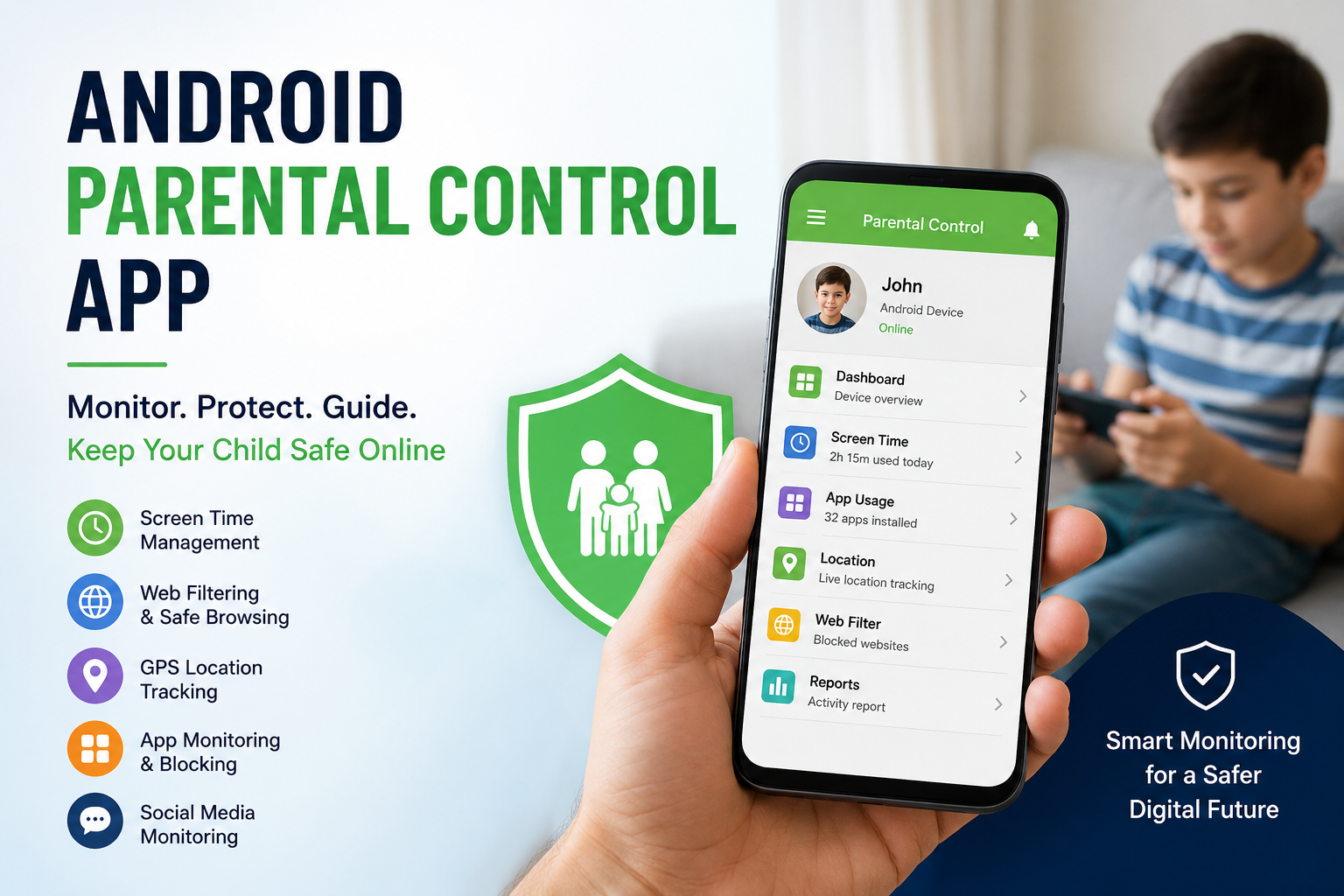
As smartphones become an essential part of daily life, children are gaining access to digital devices at an increasingly younger age. Android phones and tablets are now commonly used for online learning, gaming, social networking, and entertainment. While technology offers educational opportunities and convenience, it also introduces several concerns related to online safety.
Children can unknowingly access inappropriate content, communicate with strangers, spend excessive time on screens, or become exposed to cyber threats. To address these concerns, many parents rely on an Android parental control app to help create a safer digital environment.
Parental control applications provide tools that allow parents to monitor, guide, and manage their children’s smartphone activities while encouraging responsible technology use.
What is an Android Parental Control App?
An Android parental control app is a software application designed to help parents supervise and regulate a child’s Android device usage. These applications offer various features that allow parents to monitor online activities, set restrictions, and establish healthy boundaries.
The purpose of these tools is not simply to restrict children but to help parents understand digital habits and reduce online risks.
Parental control solutions can be installed on smartphones or tablets and usually operate through a parent dashboard where settings and monitoring options can be managed.
Why Digital Monitoring Has Become Important
Children today spend a significant amount of time online. According to various studies, screen usage among children and teenagers has increased rapidly in recent years. Increased internet access means children are more exposed to both useful and potentially harmful content.
Some common online challenges include:
- Exposure to inappropriate websites
- Excessive social media usage
- Screen addiction
- Cyberbullying
- Unsafe online interactions
- Gaming dependency
- Privacy risks
Without proper supervision, these issues may affect a child’s emotional well-being, academic performance, and overall development.
An Android parental control app helps parents proactively identify risks and create healthier digital habits.
Major Features of an Android Parental Control App
Different parental monitoring applications provide different functionalities, but some core features are commonly available.
Screen Time Management
One of the most important features is screen time control.
Children often spend hours watching videos, playing games, or browsing social media platforms. Excessive screen exposure can impact sleep quality, concentration, and physical activity.
Screen management tools help parents:
- Set daily device limits
- Schedule bedtime restrictions
- Pause device access remotely
- Create usage schedules for study time
This helps maintain a balance between online and offline activities.
App Monitoring and Management
Children frequently download new applications without fully understanding their purpose or potential risks.
App monitoring features allow parents to:
- View installed applications
- Monitor app usage duration
- Restrict selected apps
- Receive alerts for newly installed apps
This provides better visibility into a child’s digital behavior.
Website Filtering and Content Blocking
The internet contains content unsuitable for younger audiences. Website filtering allows parents to block inappropriate or harmful websites automatically.
Content filtering can help:
- Prevent access to adult material
- Restrict unsafe websites
- Enable child-friendly browsing
- Protect children from harmful searches
Safe browsing tools create a more secure online experience.
GPS Location Tracking
Many parental control solutions include location monitoring features.
GPS tracking helps parents know where their children are during:
- School hours
- Travel activities
- Outdoor events
- Emergency situations
Some advanced systems also provide location history and geofencing alerts.
Geofencing allows parents to create virtual boundaries and receive notifications when a child enters or leaves specific locations.
Social Media Activity Monitoring
Social media platforms have become a major part of children’s online lives. While these platforms encourage communication and creativity, they can also expose users to risks.
Monitoring tools may help identify:
- Suspicious contacts
- Cyberbullying behavior
- Harmful conversations
- Excessive social platform usage
Parents can use this information to guide children toward safer online behavior.
Advantages of Using an Android Parental Control App
Parental monitoring tools provide several long-term benefits beyond simple supervision.
Improved Online Safety
Parents can identify digital risks before they become serious issues.
Better Screen Habits
Children can develop healthier technology routines through controlled usage.
Increased Awareness
Parents gain insights into how children interact with technology.
Peace of Mind
Knowing that children are protected online reduces anxiety and uncertainty.
Better Parent-Child Communication
Monitoring tools often create opportunities for discussions about internet safety and responsible digital behavior.
Important Considerations Before Using Monitoring Apps
Parental control software can be useful, but implementation should be balanced and thoughtful.
Maintain Open Communication
Children should understand why monitoring is being used. Transparency builds trust.
Respect Privacy
Monitoring should focus on safety rather than excessive control.
Set Family Technology Rules
Create clear guidelines for:
- Daily screen time
- Online behavior
- Social media use
- Device-free hours
Adapt Controls According to Age
Younger children may require stricter controls, while teenagers may benefit from greater independence.
How to Choose the Best Android Parental Control App
Choosing the right app depends on family needs and preferences.
Factors to consider include:
Ease of use: Simple dashboards save time.
Monitoring capabilities: Look for features relevant to your concerns.
Security standards: Select apps with strong privacy protections.
Compatibility: Ensure support for Android devices.
Customer support: Reliable assistance is valuable.
User reviews: Real feedback helps evaluate performance.
A well-designed solution should support parenting goals rather than replace active involvement.
Conclusion
Technology is now deeply integrated into childhood experiences, making online safety a growing concern for families worldwide. An Android parental control app offers practical tools that help parents monitor digital activities, manage screen time, and protect children from online risks.
However, technology alone cannot replace communication and guidance. The most effective approach combines monitoring tools with trust, education, and healthy family discussions.
By creating clear digital boundaries and maintaining open conversations, parents can help children enjoy the benefits of technology safely and responsibly.
Frequently Asked Questions (FAQ)
1. What is an Android parental control app?
An Android parental control app is a software solution that helps parents monitor and manage a child’s smartphone usage, screen time, apps, and online activities.
2. Why should parents use parental control apps?
These apps help protect children from online threats, inappropriate content, excessive screen use, and unsafe digital interactions.
3. Can parental control apps track real-time location?
Yes. Many applications include GPS tracking features that provide real-time location updates and location history.
4. Do parental control apps work on all Android devices?
Most apps support a wide range of Android smartphones and tablets, although compatibility may vary by operating system version.
5. Can parental control apps block websites?
Yes. Website filtering features allow parents to block harmful or age-inappropriate websites.
6. Are Android parental control apps safe to use?
Trusted applications with secure privacy policies are generally safe and designed specifically for family digital safety