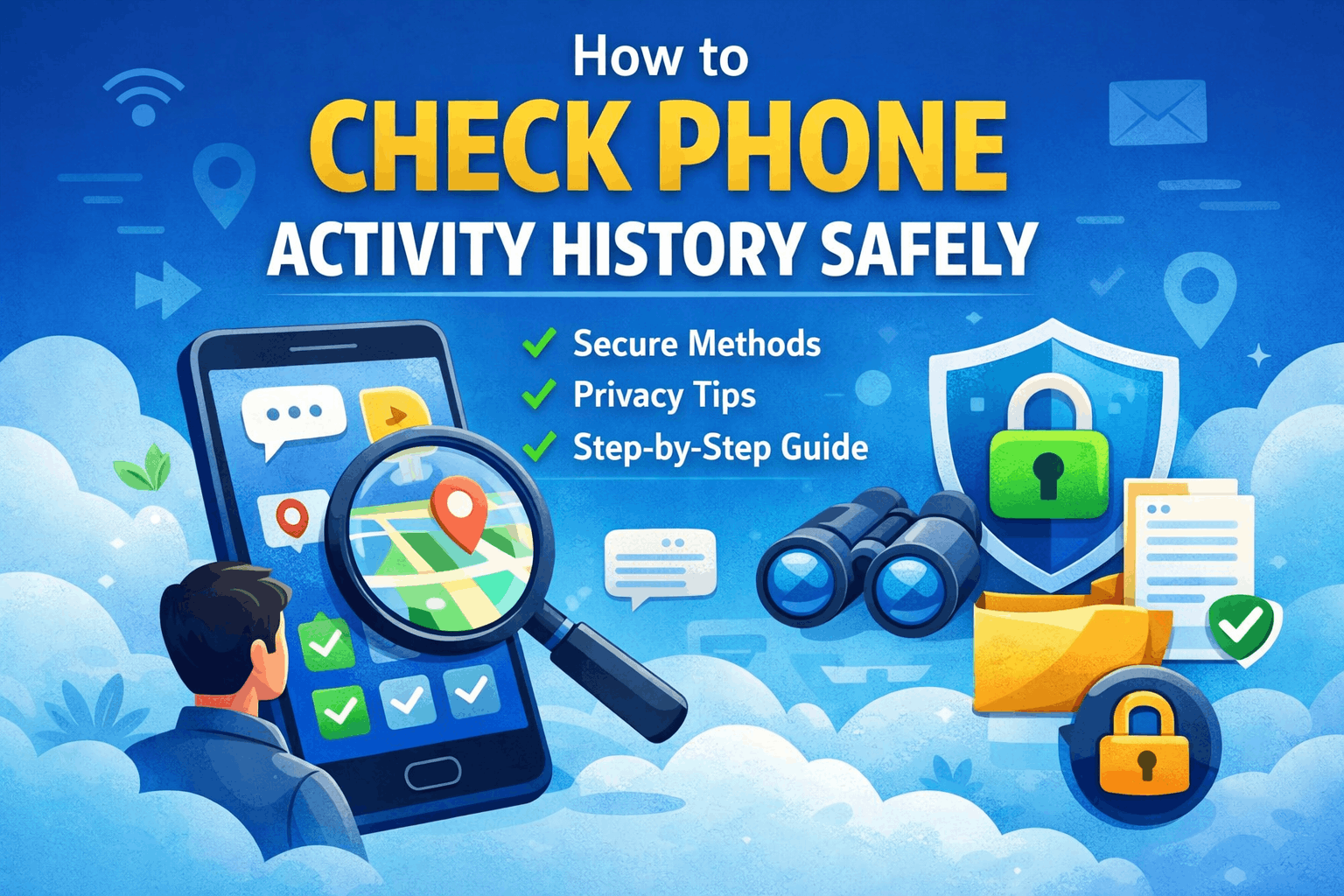
Smartphones track a surprising amount of daily activity—often without us noticing. From the apps we open to the time we spend online, everything leaves a digital trail. If you’re searching for how to check phone activity history safely, the goal should be clarity and protection—not intrusion. This guide walks you through safe, legal, and practical ways to review phone activity without risking privacy or security.
What Does Phone Activity History Include?
Before understanding how to check phone activity history safely, it’s important to know what kind of data you can access:
- App usage and screen time
- Call logs and SMS activity
- Browsing history
- Device unlock frequency
- Location tracking (if enabled)
This information helps you analyze usage patterns, detect unusual behavior, and improve digital habits.
Why You Should Check Phone Activity
There are several valid reasons to learn how to check phone activity history safely:
- To monitor your own screen time and productivity
- To ensure children are using devices responsibly
- To identify suspicious or unauthorized access
- To maintain better digital security
The key is to stay within ethical and legal boundaries.
1. Use Built-in Activity Tracking Tools
The safest and most reliable method to check phone activity history safely is using your phone’s built-in features.
Android Devices:
- Go to Settings
- Tap Digital Wellbeing & Parental Controls
- View daily usage, app time, and notifications
iPhone Devices:
- Open Settings
- Tap Screen Time
- Select “See All Activity”
These tools are already integrated, making them both secure and accurate.
2. Access Activity Through Your Account
Another simple way to check phone activity history safely is through your linked accounts.
For Google Users:
- Visit Google Account → Data & Privacy
- Check:
- Web & App Activity
- Location History
- Device usage
For Apple Users:
- Review device activity through Apple ID
- Check connected devices and backups
This method gives a broader overview beyond just one device.
3. Review App Permissions Regularly
Many apps run in the background and access sensitive data. To maintain control:
- Go to Settings → Apps → Permissions
- Check access to:
- Camera
- Microphone
- Location
Managing permissions is a crucial step when learning how to check phone activity history safely.
4. Manually Check Basic Phone Logs
Sometimes, the simplest method is the most effective. You can:
- Open call logs to review recent calls
- Check SMS or chat apps for unusual activity
- Look at recently opened apps
This quick check helps you spot anything out of the ordinary.
5. Use Parental Controls for Family Safety
If your goal is to monitor a child’s device, parental controls are the best option to check phone activity history safely.
They allow you to:
- Track screen time
- Monitor app usage
- Set daily limits
Always use these tools transparently to maintain trust.
What to Avoid When Checking Phone Activity
While searching for how to check phone activity history safely, you may find risky suggestions online. Avoid:
❌ Secret tracking apps
❌ Unauthorized access methods
❌ Tools that promise hidden monitoring
These can lead to privacy violations and security threats.
Safe Monitoring Tips
- Always use official and trusted tools
- Keep your device updated
- Review activity regularly
- Avoid installing unknown apps
- Respect privacy and consent
Conclusion
Learning how to check phone activity history safely is about staying informed without crossing boundaries. By using built-in features, account-level insights, and responsible monitoring practices, you can maintain both security and privacy.
In the end, safe monitoring is not about control—it’s about awareness and protection.
FAQ (Frequently Asked Questions)
1. Can I check phone activity without installing any app?
Yes, you can use built-in tools like Screen Time or Digital Wellbeing to check phone activity history safely.
2. Is checking phone activity legal?
Yes, for your own device. For others, you should always have permission.
3. How do I see which apps are used the most?
You can view this in your phone’s activity tracking section under Screen Time or Digital Wellbeing.
4. Can I monitor phone activity remotely?
Yes, through account-based tracking, but only with proper authorization.
5. What is the safest method to check phone activity?
Using built-in features and official account dashboards is the safest way.