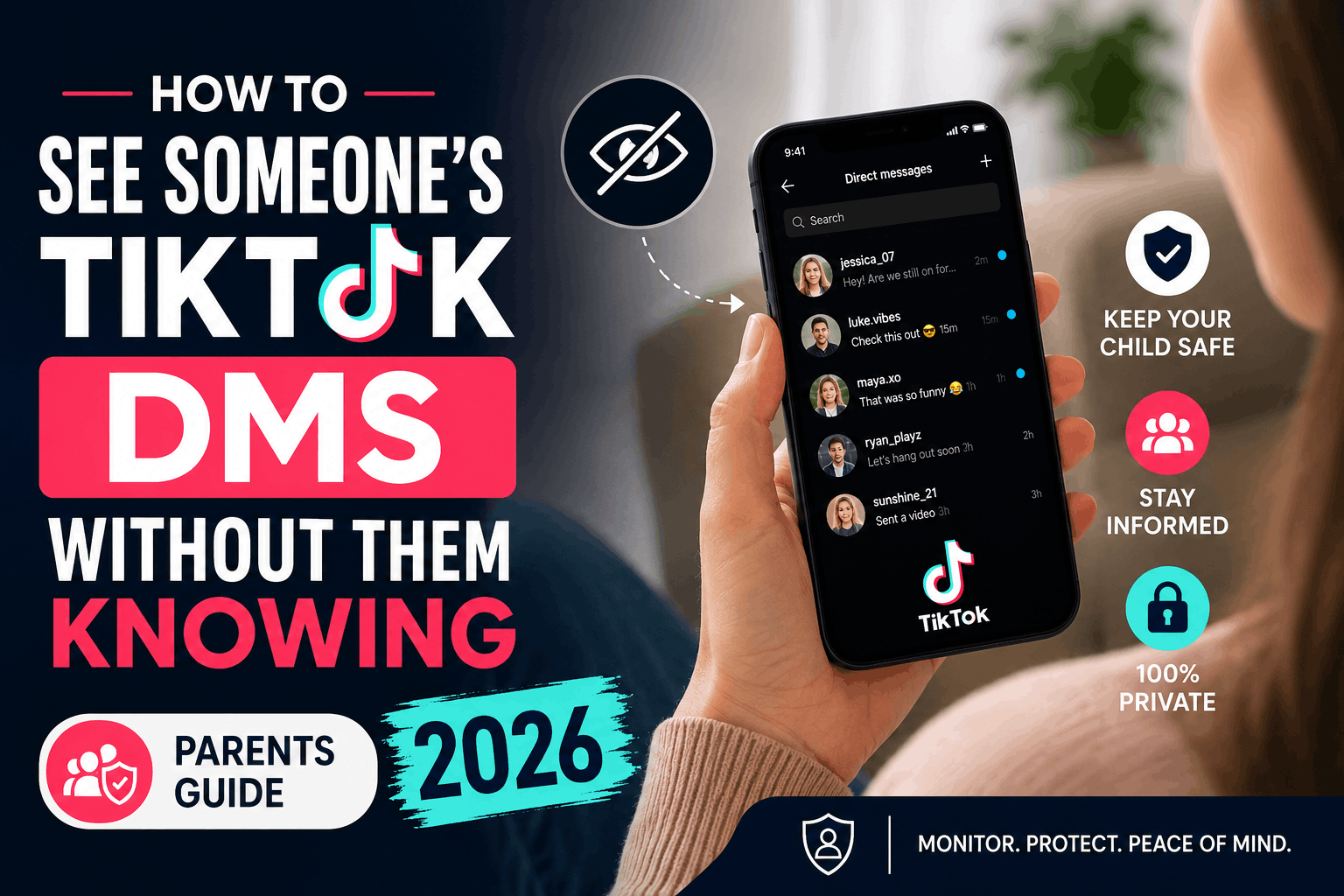
TikTok has over 1.5 billion active users worldwide — and a huge chunk of them are kids and teenagers. While TikTok is fun and creative, its Direct Message (DM) feature is one of the biggest digital safety blind spots for parents today.
Online predators on TikTok DMs are a real and growing threat. Groomers, scammers, and strangers use TikTok’s messaging feature to privately reach out to minors — often starting with something as innocent as “I love your videos!”
If you’re a parent asking, “Can I see my child’s TikTok DMs without them knowing?” — the answer is yes, and this guide will show you exactly how. Many parents search for how to see someone’s TikTok DMs without them knowing every day, and the good news is that there are safe, legal methods designed specifically for family protection.
By the end of this article, you will know:
- 3 working methods to monitor child TikTok messages in 2026
- How to use TikTok Family Pairing DM control step by step
- The best parental control app for TikTok monitoring on Android and iPhone
- Warning signs that your child may be talking to a stranger
Let’s get started.
Is TikTok Safe for Kids? The DM Problem Parents Don’t Know About
Before getting into the methods, it’s important to understand why monitoring TikTok DMs matters.
TikTok allows anyone to send DMs to users who have a public account — unless specific privacy settings are turned on. Most teenagers keep their accounts public for more views and followers, which means any stranger can send them a message.
Studies have repeatedly shown that child grooming on TikTok messages often starts in DMs. Predators first send compliments, then slowly build trust over days or weeks before asking for photos, personal information, or in-person meetings.
What makes TikTok DMs more dangerous than WhatsApp or SMS:
- Messages can come from strangers with no prior connection
- Teens can receive DMs from adult accounts without any warning
- TikTok does not notify parents when their child receives messages from unknown users
- Kids can easily hide DM conversations by archiving or deleting them
This is exactly why learning to read child TikTok DMs without phone access is one of the most important things you can do as a parent in 2026.
Method 1: Use TikTok Family Pairing DM Control (Free, Built-In)
The easiest starting point is TikTok’s own built-in parental tool — Family Pairing.
TikTok Family Pairing allows you to link your TikTok account directly to your child’s account. Once linked, you get control over several settings, including DM restrictions, screen time limits, and content filters — all from your own phone, without touching your child’s device.
What TikTok Family Pairing Lets You Do:
- Restrict or disable DMs completely for your child’s account
- Set daily screen time limits
- Filter out specific keywords and hashtags from their feed
- Set the account to private mode
- Control who can see and interact with your child’s content
How to Set Up TikTok Family Pairing (Step by Step):
On your child’s phone:
- Open TikTok and go to Profile
- Tap the three lines (menu) → Settings and Privacy
- Scroll down to Family Pairing
- Select “Teen”
- A QR code will appear on the screen
On your phone:
- Open your own TikTok account
- Go to Profile → Settings and Privacy → Family Pairing
- Select “Parent”
- Scan the QR code shown on your child’s phone
Once paired, go to your Family Pairing dashboard and:
- Tap Direct Messages → Set to “No one” (disables all DMs) or “Friends only.”
This method is free and takes less than 5 minutes. However, it has one big limitation — it does not let you read existing or past messages. You can only control future access.
If you want to actually see what your child has been messaging — and with whom — you need Method 2.
Method 2: How to See Someone’s TikTok DMs Without Them Knowing — Using a Parental Control App (Recommended)
For parents who want full visibility — not just restrictions — a parental control app for TikTok monitoring is the most effective solution. This is by far the most reliable way to see someone’s TikTok DMs without them knowing — because it works silently, continuously, and remotely.
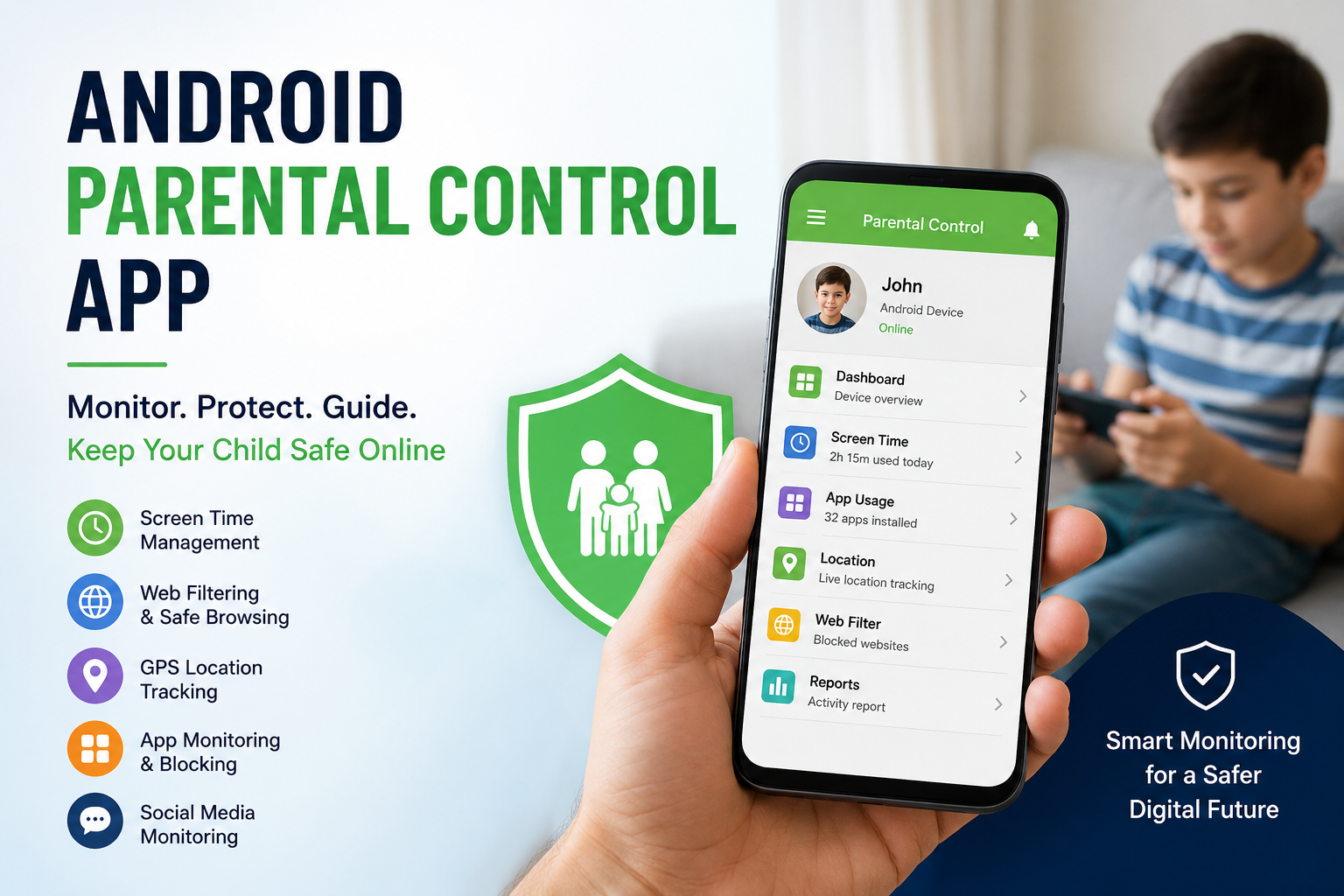
Apps like Spymaster Pro are specifically designed to let parents monitor child’s TikTok messages remotely, without the child knowing the monitoring is active.
What Spymaster Pro Lets You Do on TikTok:
- View TikTok DM conversations in real time
- See the names/usernames of everyone your child is messaging
- Get alerts when your child receives messages from unknown users
- Monitor TikTok activity alongside WhatsApp, Instagram, Snapchat, and more — all from one dashboard
- Works in hidden/stealth mode — your child will not know it is installed
This is the most complete method to monitor TikTok on Android without them knowing, and it also works for iPhones.
How to Set Up Spymaster Pro for TikTok Monitoring:
For Android:
- Purchase a Spymaster Pro subscription from spymasterpro.com
- You will receive login credentials and a download link via email
- Install the app on your child’s Android device (takes 3–5 minutes)
- The app runs silently in the background — no icon visible
- Log in to your Spymaster Pro dashboard from any device
- Navigate to the TikTok section to view all DM conversations
For iPhone:
- Purchase the iPhone subscription
- Enter your child’s iCloud credentials in the dashboard
- TikTok activity and DMs sync automatically — no installation needed
Once set up, you can check your child’s TikTok messages anytime, from anywhere, without picking up their phone.
Method 3: Check TikTok DM Settings Directly on Their Phone
If you have occasional access to your child’s phone, you can manually review their TikTok DM settings and message history.
This is not a monitoring method per se — but it gives you a one-time snapshot of:
- Who your child has been messaging
- Whether strangers have sent them DMs
- Whether any suspicious conversations exist
How to Check TikTok DMs on Your Child’s Phone:
- Open TikTok on their device
- Tap the speech bubble icon at the bottom of the screen (Messages)
- Look through the conversation list — note any unknown usernames
- Tap individual conversations to read the messages
- Check if any conversations have been archived (swipe right on a conversation)
- Go to Settings → Privacy → Direct Messages to see who is currently allowed to DM them
While this method works, it has obvious limitations — your child can delete conversations before you check, and it requires you to have their phone physically.
For ongoing monitoring without these limitations, Method 2 (Spymaster Pro) remains the best option.
Warning Signs: Is Your Child Talking to a Stranger on TikTok?
Even with monitoring tools in place, there are behavioural signs that suggest something may be wrong. Watch for these TikTok stranger danger red flags in your teen:
- Sudden phone secrecy — hiding the screen or turning the phone face down when you walk by
- Unexplained happiness or distress after using TikTok
- Receiving gifts or money that they can’t explain
- New “friends” you have never heard of
- Being online late at night when TikTok should be restricted
- Deleting their DM history regularly
If you notice more than two of these signs together, it is worth investigating using a parental control app for TikTok monitoring immediately — rather than waiting.
TikTok’s Built-In Safety Features for Teens (What They Do and Don’t Do)
TikTok has introduced several child safety updates in 2026. Here is what they cover — and where the gaps remain.
| Feature | What it does | What it misses |
|---|---|---|
| Family Pairing DM control | Restricts who can DM your child | Cannot read existing messages |
| Screen time limits (default 60 min for under 18s) | Limits daily TikTok use | Can be bypassed with a passcode |
| Private account default (under 16s) | Hides content from strangers | DMs can still come from followers |
| Keyword filtering | Blocks specific words in feed | Does not filter DM content |
| Age-based content levels | Reduces mature content for under-18s | An algorithm is not always accurate |
The clear pattern here: TikTok’s built-in tools are good for content filtering, but weak for DM monitoring. A dedicated parental control app fills this gap directly.
Frequently Asked Questions
How to see someone’s TikTok DMs without them knowing — is it really possible?
Yes, absolutely. The most reliable way is to use a dedicated parental monitoring app like Spymaster Pro. Once installed on your child’s Android device (or linked via iCloud for iPhone), it silently captures all TikTok DM activity and syncs it to your private dashboard. Your child receives no alerts, no notifications, and sees no app icon — making it completely discreet.
Can parents see TikTok direct messages through Family Pairing?
No. TikTok Family Pairing allows parents to restrict who can send DMs to their child, but it does not give parents the ability to read the actual messages. To read DM conversations, you need a third-party parental control app like Spymaster Pro.
Is it legal to monitor my child’s TikTok DMs?
Yes — monitoring your minor child’s (under 18) digital activity is legally permitted in most countries, provided you are their parent or legal guardian. The purpose must be child safety, not surveillance of an adult without consent.
Can my child know I’m monitoring their TikTok messages?
If you use TikTok Family Pairing, your child can see that their account is paired with yours. However, if you use a stealth parental control app like Spymaster Pro, the monitoring runs silently in the background with no visible icon or notification.
At what age should parents start monitoring TikTok DMs?
TikTok’s own policy disables DMs by default for users under 16. However, many kids set their age incorrectly when signing up. Most child safety experts recommend active monitoring from age 10 onwards, especially if the child has a public account.
How to turn off TikTok DMs for kids completely?
Using TikTok Family Pairing, go to your linked dashboard → Direct Messages → Set to “No one.” This completely disables incoming DMs on your child’s account.
Conclusion: The Best Way to See Someone’s TikTok DMs Without Them Knowing in 2026
If you have been wondering how to see someone’s TikTok DMs without them knowing, you now have three clear, working methods. To summarise:
- TikTok Family Pairing — free, easy, great for restricting DMs, but cannot read messages
- Spymaster Pro — full visibility into TikTok DMs, stealth mode, best for parents who want to know what is actually being said
- Manual phone check — useful as a one-time review, not reliable for ongoing monitoring
For most parents, the combination of TikTok Family Pairing DM control (to restrict new strangers) and Spymaster Pro (to monitor existing conversations) gives the most complete protection.
Your child’s safety online is too important to leave to TikTok’s default settings alone. Whether you use a built-in tool or the best app to see child TikTok activity in 2026, the most important thing is that you take action today — before a stranger does.
Spymaster Pro is a trusted phone monitoring and parental control solution used by parents worldwide. Learn more at spymasterpro.com