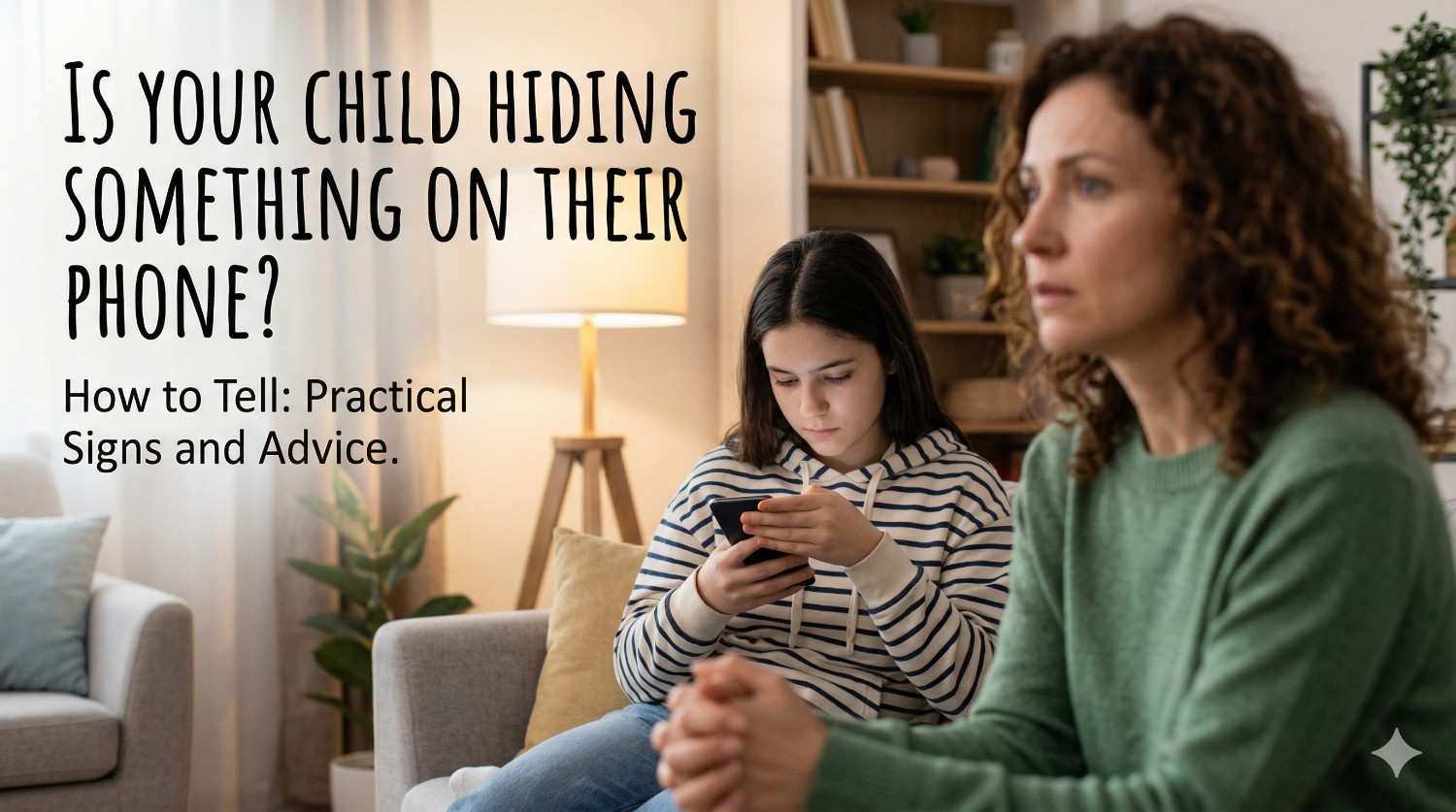
Smartphones are a big part of children’s lives today. While they help kids learn, communicate, and stay connected, they can also create opportunities for secrecy.
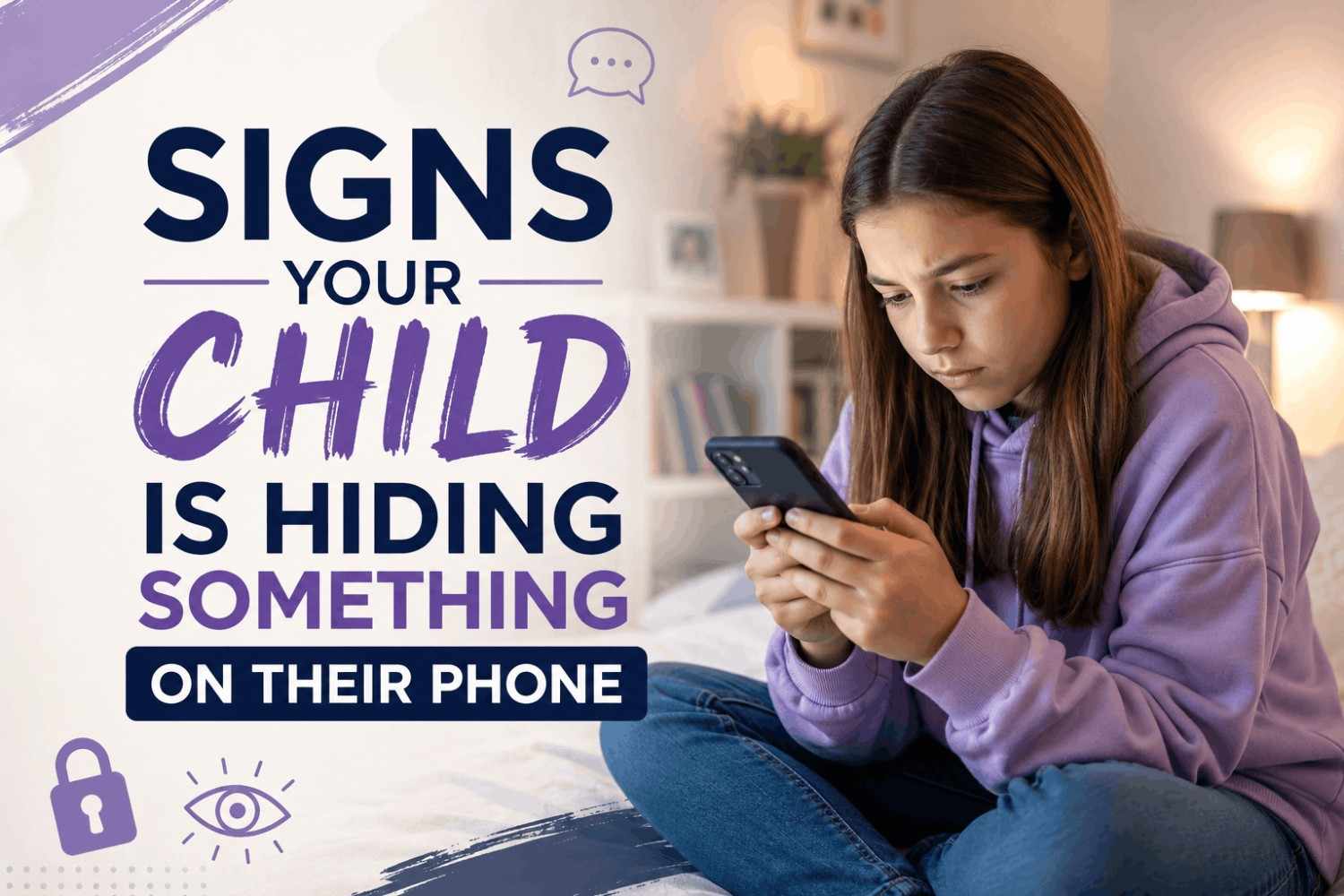
If you’re wondering whether your child is hiding something on their phone, chances are you’ve noticed subtle behavioural changes. Recognising these early warning signs can help you protect your child while maintaining trust.
Signs That Your Child Is Hiding Something on Their Phone
1. Suddenly Hiding Their Screen
If your child quickly switches apps, locks their phone, or turns the screen away when you come near, it may indicate they don’t want you to see something.
2. Frequently Changing Passwords
A strong indicator is when your child changes passwords often and refuses to share access. This could suggest they are trying to keep something private.
3. Using the Phone Late at Night
Secretive late-night phone usage can point to private conversations or exposure to inappropriate content.
4. Deleting Messages and History
Regularly clearing chat history, browser history, or call logs is often a sign of hiding activity.
5. Noticeable Behaviour Changes
Watch for:
- Sudden mood swings
- Defensive reactions when asked about phone usage
- Anxiety or nervousness
These can signal underlying issues related to their digital activity.
6. Using Hidden or Locked Apps
Some children use vault apps or hidden apps to store photos, messages, or even secret social media accounts.
Why Kids Hide Things on Their Phones
Understanding the reason behind the behaviour is crucial. Common causes include:
- Desire for privacy
- Peer pressure or social influence
- Fear of punishment
- Curiosity about restricted or adult content
Research from Common Sense Media shows that many kids hide online activity not because they are doing something wrong, but because they fear being judged.
What Parents Should Do
If you notice multiple warning signs, avoid reacting harshly. Instead:
Stay Calm and Open
Create a safe space for conversation. Your child should feel comfortable sharing without fear.
Avoid Immediate Punishment
Reacting aggressively may push your child to become more secretive.
Set Clear Digital Boundaries
Define rules around screen time, app usage, and online behavior.
Educate About Online Risks
Teach your child about cyberbullying, scams, and inappropriate content.
Experts from the American Academy of Paediatrics recommend communication over strict surveillance for long-term trust and safety.
How a Parental Control App Can Help
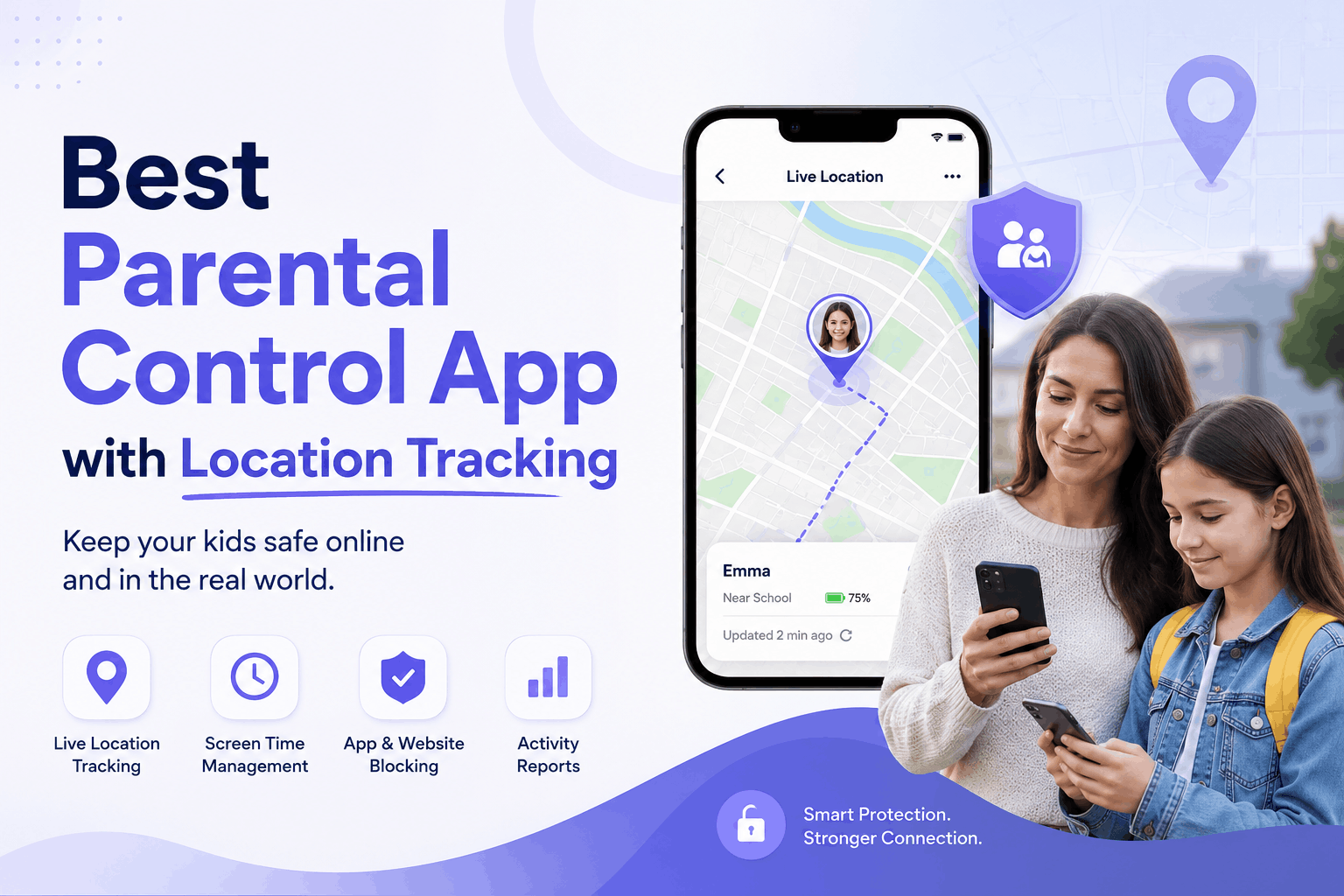
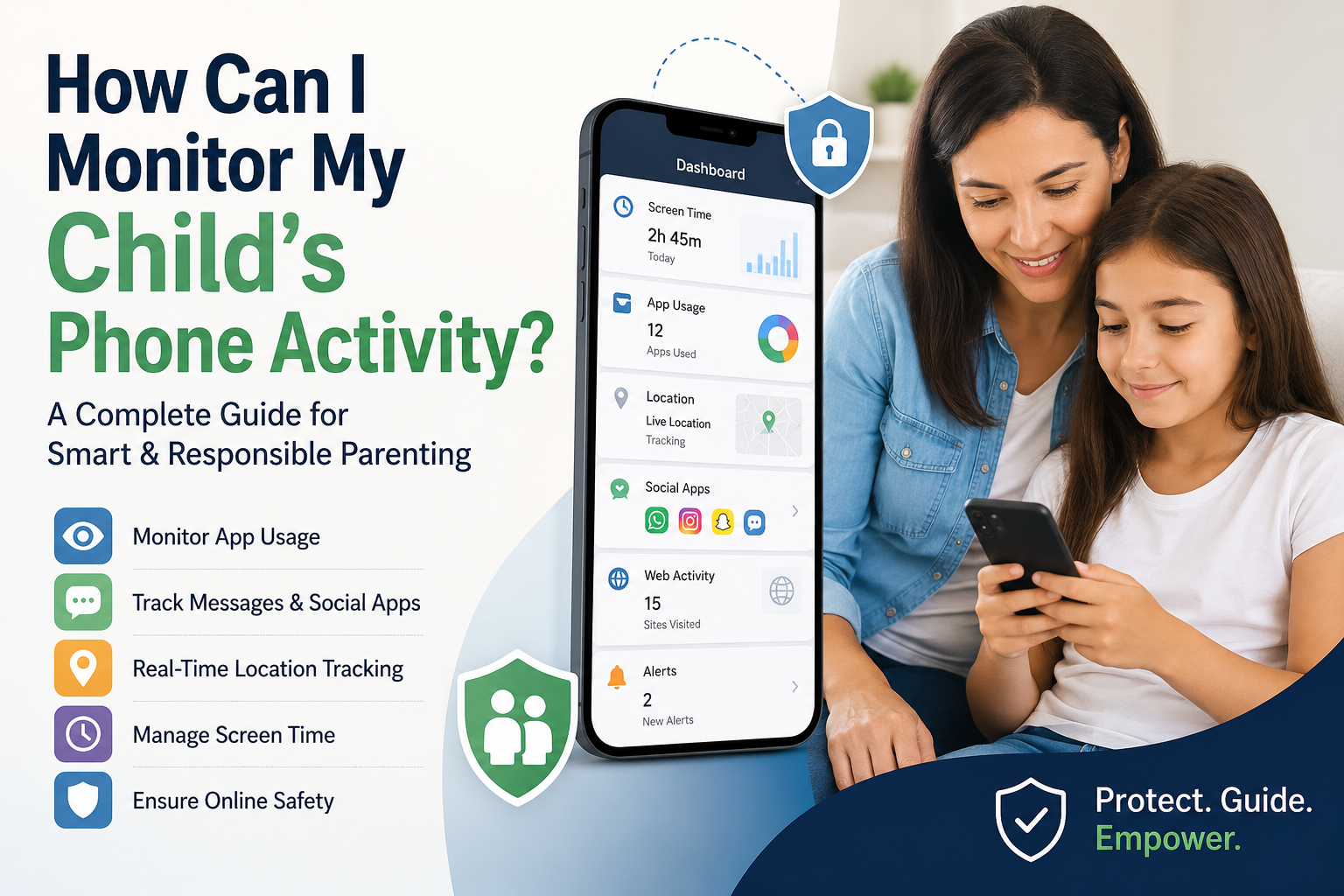
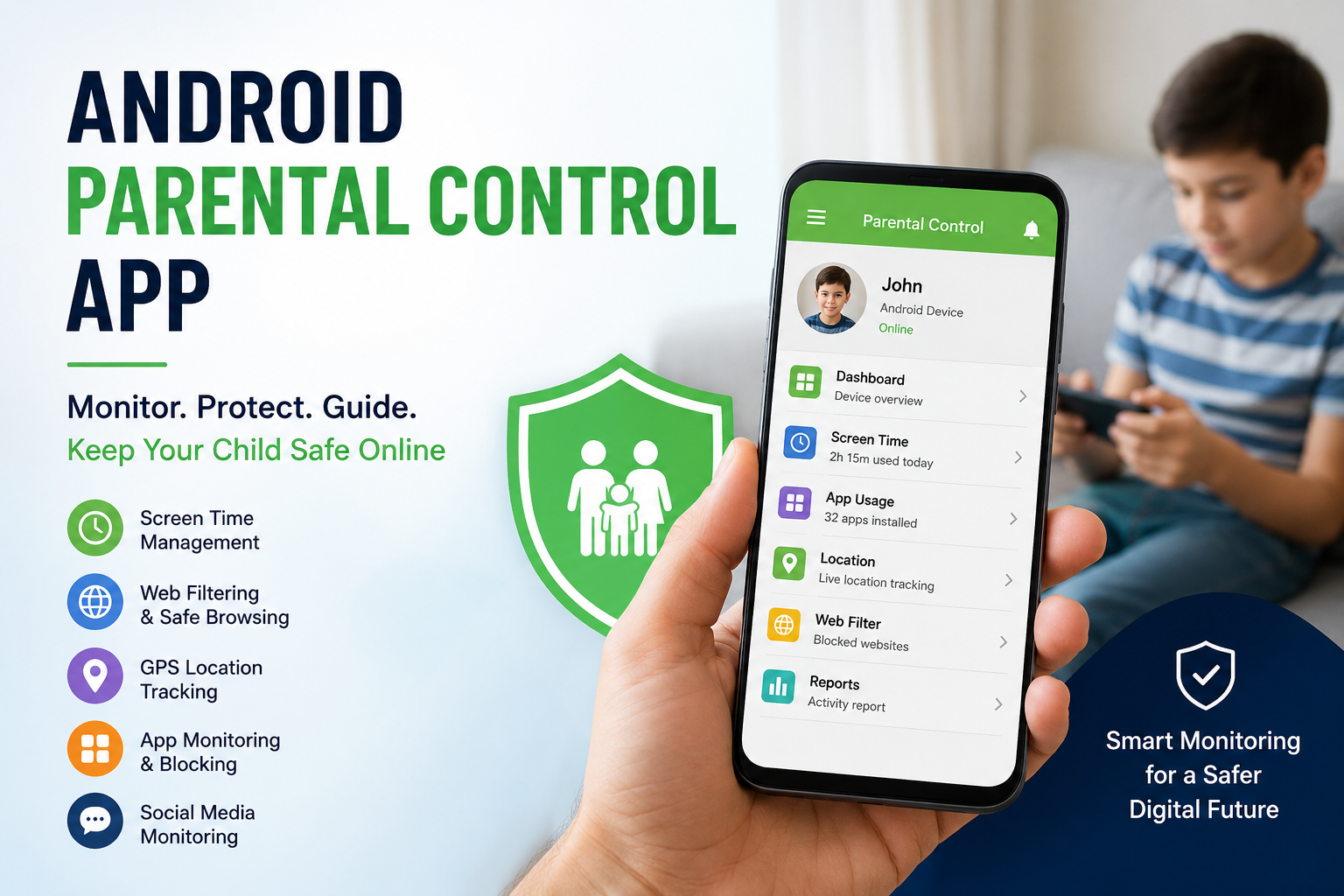
A reliable parental control app can support parents in monitoring digital activity responsibly. These tools allow you to:
- Track screen time
- Monitor app usage
- Block inappropriate content
- Ensure safer online experiences
Using a parental control app is not about invading privacy—it’s about guiding children toward responsible digital habits.
FAQs
1. How can I tell if my child is hiding something on their phone?
Look for signs like hiding screens, deleting chats, unusual app usage, and defensive behavior.
2. Is it okay to check my child’s phone?
Yes, but it should be done transparently and respectfully to maintain trust.
3. How can I keep my child safe online?
Combine open communication with tools like a parental control app for the best results.
4. Why do kids hide things online?
They may seek privacy, fear punishment, or be influenced by peers and online trends.